I’ve tried GoodBudget a few times but I couldn’t make it work for me. I’m trying again with my Household Budget/Planned Expenses and I think I’m getting the hang of it. What I don’t understand is why I’m getting the message that I’m behind when there is money in the envelope and I am well under my budget for the month. For example I have $400 budgeted for food. I filled the envelopes $200 semi-monthly when I got paid (15th & 28th). There are only 2 days left in the month and I have $135 left in the envelope. But its telling me I’m behind and don’t spend for 6 days. There is no due date for this envelope. So I don’t understand why its showing behind when there should be roll-over for the next month by my calculation.
Without seeing your screen to be sure, it sounds like your budget is restarting on the dates you’re filling your envelopes. That means you have ~$100/week on the 15th and 28th, but you’ve already spent $65 in just two days the way GB looks at it. The “behind” is just tracking your daily allowance against a timeline to your next budget reset, which it believes won’t happen until the 15th.
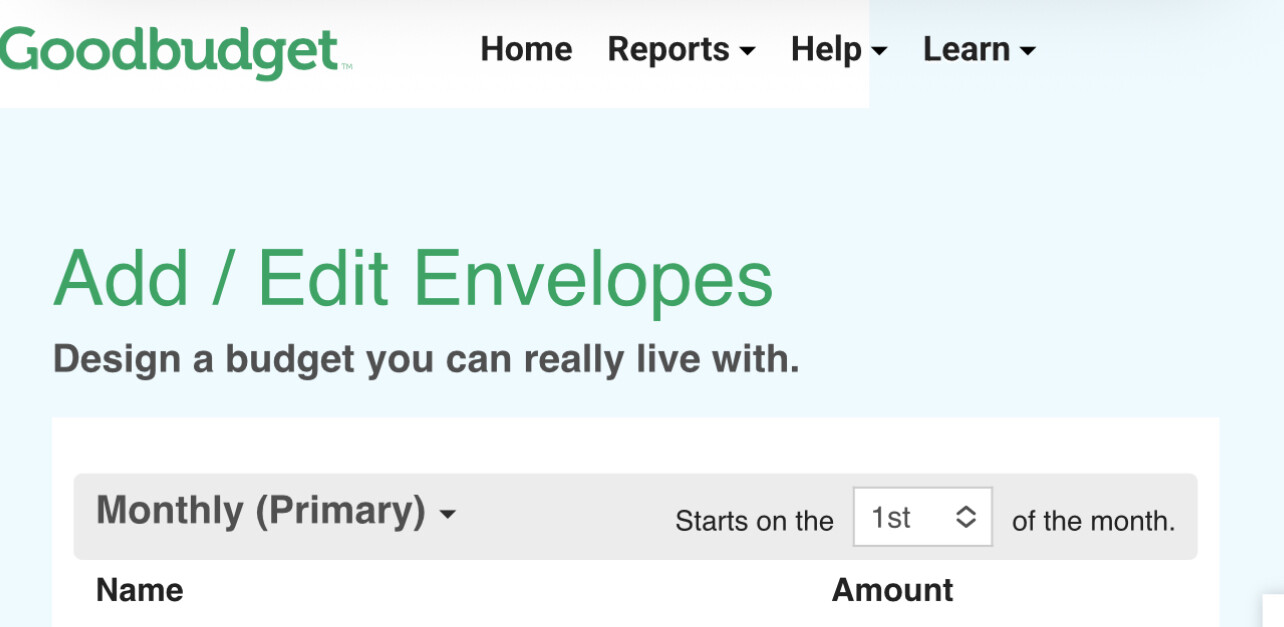
You may want to confirm that you are set up with a monthly budget, even though you fill it more than once, and that it starts on the 1st of the month. I think if you make those changes, it will then show that you’re ahead. Also make sure your scheduled Fills are instructed to “Add” so you’ll get the rollover you want, rather than resetting to the budgeted amount each time.
Sure! Hope this helps:
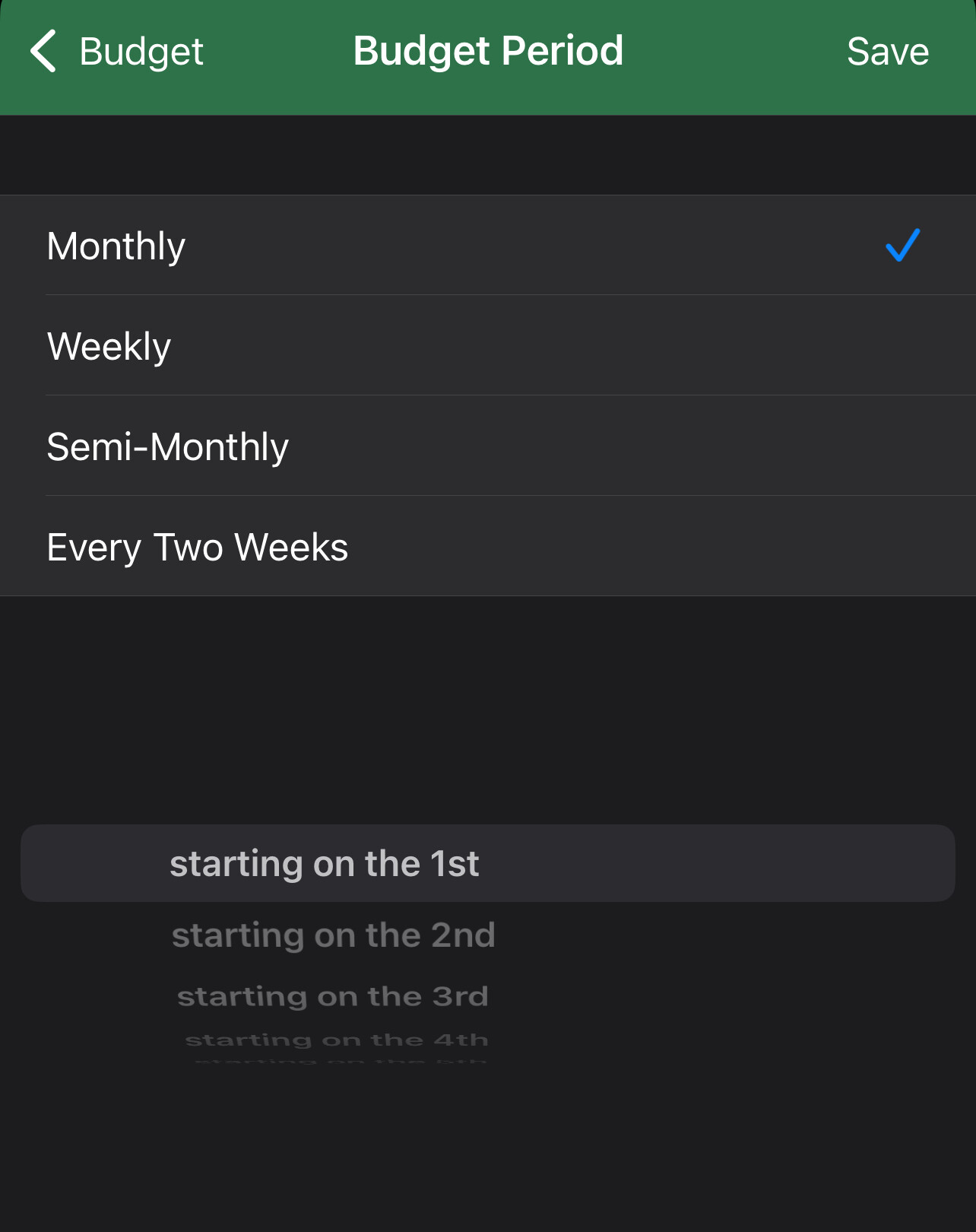
In the iPhone app, you’ll click Edit (top left) on the Envelopes tab then at the bottom you’ll see a frequency “monthly”, “semi-monthly”, etc. Click that and you’ll have the opportunity to change it, and set the start date: (sorry, we don’t have any Androids so I don’t know how it differs)